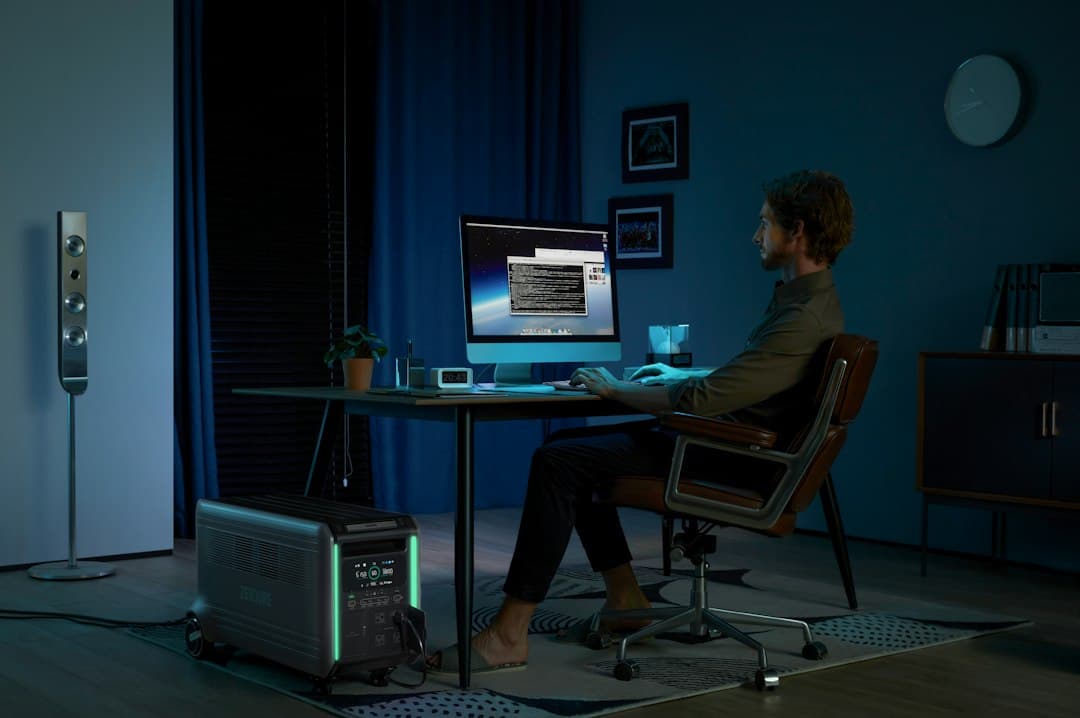
Building a WFH Indoor Air Quality Setup: CO2 Monitors, Air Purifiers, and Focus
Jump to section
Ever hit a wall around two in the afternoon where your head feels heavy, your concentration evaporates, and simple tasks feel surprisingly grueling? Many remote workers attribute this afternoon slump to a post-lunch dip or lack of sleep, but the real culprit is often floating right under their nose. In a closed home office, exhaled carbon dioxide builds up rapidly, quietly eroding cognitive performance long before any physical discomfort is noticed. Optimizing your WFH indoor air quality setup is one of the most effective, underrated workspace upgrades you can make to protect daily energy and sharp decision-making.
By understanding how carbon dioxide, fine particulate matter, and volatile organic compounds accumulate in small rooms, you can build a low-maintenance environment that supports clear thinking throughout the workday. (Note: The environmental setup advice is designed for general daily comfort and productivity, and is not medical advice.)
WFH indoor air quality setup: Understanding the Invisible Focus Killers: CO2, PM2.5, and VOCs
Most home offices are located in small bedroom conversions, spare alcoves, or repurposed corners that measure between 100 and 200 square feet. When you work with the door closed to block household noise, air volume is limited. Human respiration constantly consumes oxygen and releases carbon dioxide (CO2). Outdoor baseline CO2 typically hovers around 420 parts per million (ppm). In an enclosed home office, a single person breathing can drive those levels up to 1,200–2,000+ ppm within just one to two hours.
Research from Harvard’s COGfx study and the Lawrence Berkeley National Laboratory highlights the severe impact of elevated indoor CO2. When indoor CO2 levels cross 1,000 ppm, cognitive testing reveals measurable drops in strategic thinking, focused attention, and complex problem-solving speed. At 1,500 ppm and higher, heavy fatigue, mild headaches, and pronounced brain fog set in. You are essentially breathing recirculated waste gas.
Carbon dioxide is not the only indoor pollutant threatening your concentration. Two other key factors deserve attention in any remote office build:
- PM2.5 (Fine Particulates): Microscopic dust, soot, pollen, and outdoor smoke particles smaller than 2.5 microns in diameter. These tiny particles enter the lungs and bloodstream, triggering low-grade systemic stress that degrades cognitive processing speed and sustained mental stamina over long working hours.
- Volatile Organic Compounds (VOCs): Gaseous chemicals off-gassed by laminate desk surfaces, carpet backing, dry-erase markers, synthetic upholstery, and common cleaning sprays. Elevated VOC concentrations cause eye and throat irritation, dizziness, and persistent dull headaches.
The Air Purifier Myth: Cleaning Particles vs. Refreshing Oxygen
A frequent mistake remote workers make when improving their room environment is buying a high-end air purifier and assuming it solves high CO2 readings. Air purifiers and fresh air ventilation perform entirely different jobs, and confusing the two leads to frustrating results.
An air purifier recirculates room air through mechanical filters. High-efficiency particulate air (HEPA) filters trap solid particles like dust and PM2.5, while activated carbon layers adsorb chemical fumes and VOCs. However, air purifiers do not scrub CO2 gas or generate oxygen. If your desk door remains shut for four hours, running an air purifier at full tilt will leave the air clean of dust, but heavy with carbon dioxide that still causes brain fog.
Only outdoor air exchange—bringing fresh ambient air into the room—reduces CO2 concentrations. Conversely, simply opening a window introduces fresh oxygen but can flood your room with pollen, dust, or urban traffic pollution if the incoming air is unfiltered. A high-performing workspace requires both continuous filtration and deliberate ventilation cycles working in tandem.
Relying on desk plants to clean office air is largely a myth. Research shows you would need dozens of dense plants per square foot to equal the air exchange of opening a window for just two minutes.
Step 1: Selecting and Positioning a Reliable CO2 Monitor
The first step in taking control of your workspace atmosphere is measurement. Without a dedicated sensor, you cannot judge whether afternoon fatigue stems from bad air, poor sleep, or eye strain. CO2 monitors fall into three general budget tiers on the market:
- Budget / Entry-Level ($40–$80): Basic desktop meters using photo-acoustic or compact Non-Dispersive Infrared (NDIR) sensors. Models like SmartAir or generic desktop NDIR units offer a quick visual readout of ambient CO2, though they may require periodic manual recalibration outdoors.
- Mid-Range ($80–$150): Reliable, accurate NDIR monitors with dedicated digital displays, data logging, or smartphone integration. Units such as the Inkbird IAM-T1 or Qingping Air Monitor deliver fast response times and historical graphs so you can spot daily buildup patterns (check retailer for current price).
- Premium / Multi-Sensor ($150–$300+):Advanced environmental monitors tracking CO2, PM2.5, VOCs, relative humidity, and radon simultaneously. Standout examples include the Aranet4 Home, Airthings View Plus, and Awair Element. These devices feature extremely low power consumption, clear e-paper displays, and smooth long-term data logging.
Placement is crucial for accurate readings. Position your CO2 monitor at desk height, roughly 3 to 6 feet away from your seated mouth position. If you place the monitor directly next to your laptop keyboard 12 inches from your face, your direct exhalation will cause artificial spikes past 3,000 ppm. Keep the sensor away from open windows, oscillating fans, or HVAC supply vents to ensure you are measuring true ambient room air rather than direct drafts.
Step 2: Sizing and Positioning your Office Air Purifier
To keep fine dust and off-gassing under control, pair your monitor with an appropriately rated HEPA air purifier. Sizing is governed by Clean Air Delivery Rate (CADR) and Air Changes per Hour (ACH). For optimal focus, aim for 4 to 5 full air changes per hour in your dedicated workspace.
Choosing the right purifier tier depends on your room size and noise sensitivity:
- Small Office (~150 sq ft) ($50–$100): Compact desktop or floor units like the Levoit Core 300 or Kyvol purifiers. They handle small enclosed rooms well on low speeds without dominating desk space.
- Mid-Sized Office (200–400 sq ft) ($120–$250): High-CADR floor units such as the Coway AP-1512HH Mighty or Winix 5500-2. These provide large filter surface areas and near-silent operation on quiet modes while moving substantial air volume.
- Smart / High-End ($250–$400+): Premium units from brands like Dyson, Blueair, or Smart Air Blast that combine whisper-quiet operation with integrated particle sensors and automatic fan adjustments.
Position your purifier at least 12 to 18 inches away from walls, desks, or heavy drapes to allow unobstructed 360-degree air intake. Avoid tucking the unit under a cramped desk or behind a door where air circulation stagnates. If you work out of a tight footprint, such as a closet conversion, smart room layout becomes essential—explore our guide on small closet desk builds for spatial planning ideas. Run your purifier continuously on a low or auto fan setting so dust and PM2.5 baseline levels never have a chance to rise.
Step 3: Managing Ventilation and Air Exchange Protocols
With a monitor reading your room state and a HEPA unit scrubbing particulates, you can establish an effortless ventilation routine. Your CO2 monitor serves as your tactical alert system. Establish the following operational targets for your workday:
- Below 800 ppm: Target zone. Cognitive clarity, reaction times, and focus remain sharp.
- 800 to 1,000 ppm: Early warning zone. Take note and prepare to refresh the room.
- 1,000 to 1,500 ppm: Action threshold. Cognitive performance declines noticeably. Open a window or door immediately for a 5-to-10-minute air flush.
- Above 1,500 ppm: Heavy fatigue zone. Take a short movement break outside the office while the room fully ventilates.
When your monitor signals a spike past 1,000 ppm, crack an exterior window and open your office door for five minutes to create a cross-breeze. In winter or extreme summer heat, opening an exterior window wide for just 3 to 5 minutes flushes heavy CO2 without dramatically altering the room's temperature, as solid walls and furniture retain thermal mass.
If outdoor wildfire smoke or heavy urban smog prevents you from opening exterior windows, open your interior office door into larger living areas and turn on a central HVAC fan. You can also pair environmental monitoring with automated workspace routines; read our guide on smart home office automation ideas to learn how to set smart plug triggers based on air monitor thresholds. If keeping your office door cracked introduces distracting household noise, you can offset audio leaks with soft acoustic treatments detailed in our guide on reducing echo in home office setups.
Step 4: Execute Your Daily Air Quality Routine
Use this step-by-step implementation list to establish your environment management workflow:
- Position your CO2 monitor at desk height, 3 to 6 feet away from your breath zone and clear of HVAC vents.
- Place your HEPA air purifier on the floor or a sturdy stand at least 12 to 18 inches from walls and furniture.
- Calibrate your CO2 monitor baseline by letting it run outdoors or near an open window for 15 minutes upon initial setup.
- Set your monitor or smartphone companion app to issue a soft visual alert when CO2 reaches 800–1,000 ppm.
- Run your air purifier continuously on auto or low speed throughout your daily work shift to keep PM2.5 levels low.
- Perform a mandatory 5-minute room ventilation flush during your mid-morning and mid-afternoon breaks.
By taking control of your office ventilation and filtration, you eliminate an invisible tax on your daily cognitive bandwidth. Keeping your air clear and oxygen-rich ensures your desk setup works with your brain rather than against it.
Keep reading
Related Articles
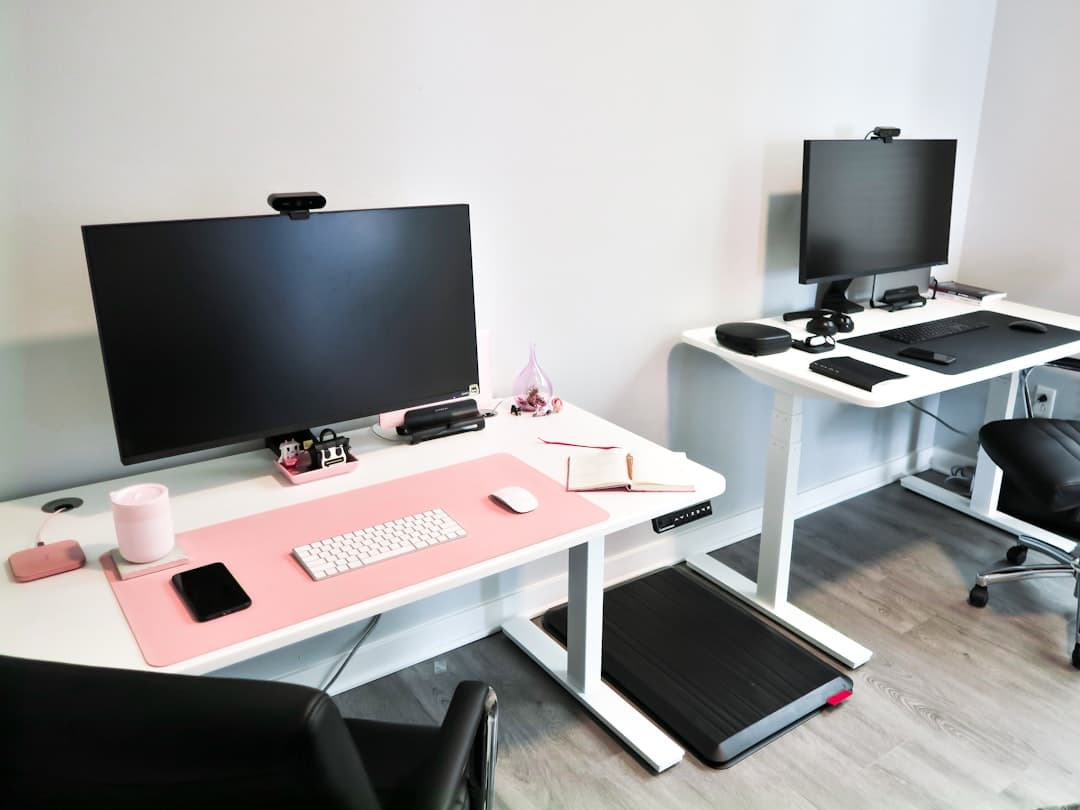
How to Build an Active Workstation with an Under-Desk Walking Pad
Learn how to build an active walking pad standing desk setup, from selecting gear and calculating ergonomic heights to managing noise and daily pacing.

Uplift Desk Long-Term Review: Practical Ergonomics and Real Workspace Trade-offs
A long-term practical setup guide for the Uplift Desk, covering ergonomic height calibration, frame stability, cable routing, and real-world workspace trade-offs.
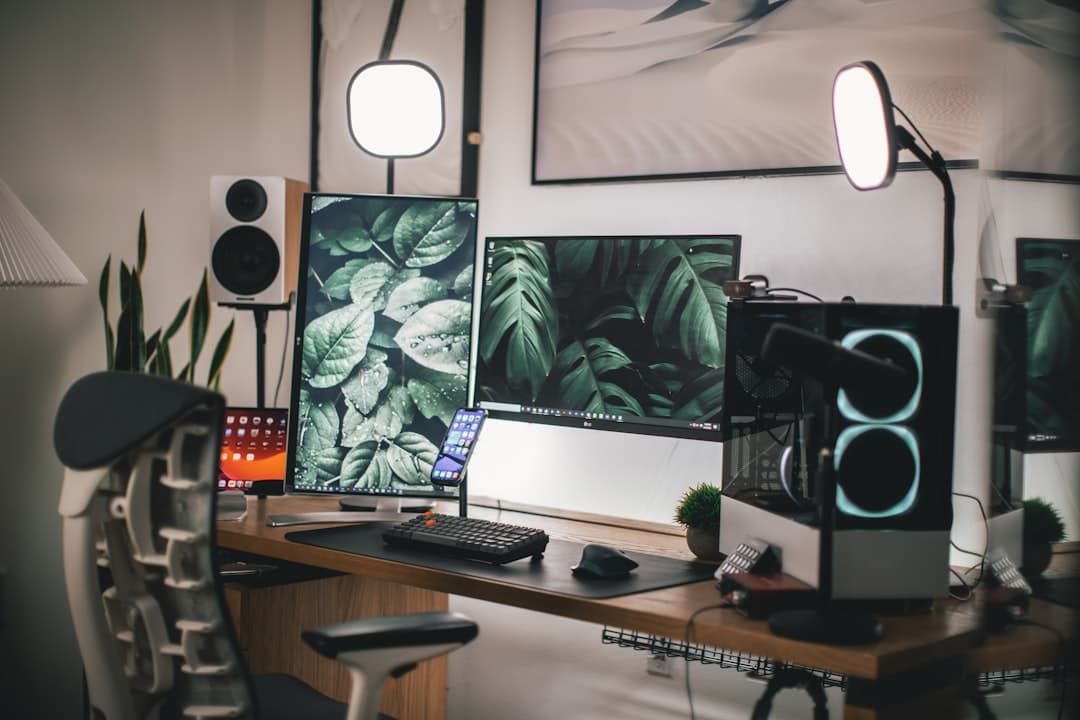
Ergonomic Dual Monitor Desk Setup for Remote Work: Full Setup Guide
Learn how to build an ergonomic dual monitor desk setup for remote work that keeps your neck comfortable, eliminates cable clutter, and boosts daily output.