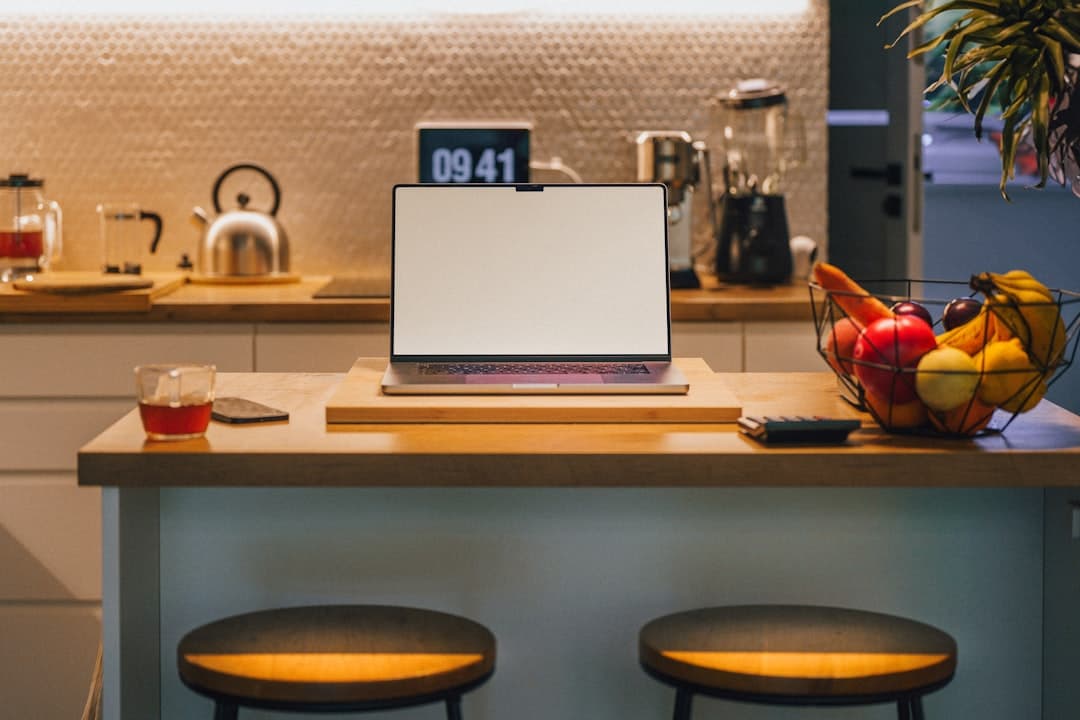
Smart Home Office Automation Ideas for Daily Work Routines
Jump to section
Do you ever sit down at your desk at 8:30 AM, flip on three separate power switches, adjust your thermostat, wake up your computer dock, manually turn on a desk lamp, and quiet your phone notifications, only to realize you are already feeling decision fatigue before opening your first email? Working from home offers incredible flexibility, but it also introduces dozens of micro-decisions and repetitive physical tasks throughout the day. Over time, this constant administrative overhead erodes your concentration and makes it difficult to draw a clear line between work hours and home life.
Implementing a thoughtful smart home office automation setup is not about turning your workspace into a complex science experiment or buying every high-tech gimmick on the market. Instead, it is about constructing a predictable, friction-free environment that supports your focus, protects your energy, and enforces firm physical boundaries between your job and your evening relaxation. In this guide, we will walk through practical, battle-tested automations organized by daily routines, covering hardware choices, budget tiers, and key setup tips to keep your workspace running smoothly.
Smart home office automation: Why Smart Office Automations Help Prevent Daily Burnout
When you work in a traditional corporate office, physical cues constantly remind your brain what mode to operate in. Walking into the building signals the start of the day; stepping into a conference room signals meeting focus; stepping outside into the sunlight signals break time. In a home office, those physical transitions vanish. You sit in the same chair in the same room for eight to ten hours, leaving you responsible for manually managing lighting, climate, noise, and focus settings.
Automations restore those crucial cues automatically. One of the most effective ways smart devices do this is through circadian lighting control. Human biology is deeply tied to color temperature. Exposure to cool white light (roughly 4000K to 5000K) early in the morning and during intense work blocks stimulates alertness and suppresses melatonin production. Conversely, shifting to warm white light (2700K or lower) late in the afternoon helps your body naturally wind down for evening rest. Automating these color shifts ensures you maintain steady energy levels without having to constantly fiddle with lamp switches.
Beyond mental focus, smart automations eliminate energy waste and physical clutter. A typical remote workspace—equipped with dual monitors, a laptop docking station, powered studio monitors, camera lights, and phone chargers—draws continuous standby power even when turned off. By pairing your equipment with smart plugs or energy-monitoring power strips integrated into routine schedules, you completely cut phantom power draw during non-work hours. When building out your setup, grouping these cables logically behind your desk using desk cable management essentials makes connecting smart plugs much simpler and prevents an unsightly tangle of cords.
Setting Up Your Morning "Start Work" Scene
The goal of a morning automation scene is to take you from a sleepy, unstructured start to a fully prepped, high-focus state with zero manual effort. Rather than spending your first ten minutes toggling devices, a single trigger can prepare your entire office environment while you grab a cup of coffee.
Choosing the Right Morning Trigger
Select a trigger that fits naturally into your existing habits. Common options include:
- Scheduled Time: Setting the scene to launch automatically at a fixed time (e.g., 8:15 AM, fifteen minutes before your shift starts).
- Alarm Dismissal: Linking the routine to your phone or smart watch alarm so the office boots up as soon as you wake up.
- NFC Tag Tap: Sticking a tiny, inexpensive NFC tag to the corner of your desk or coffee mug holder. Tapping your phone against the tag triggers the exact moment your workday begins.
- Motion or Presence Detection: Utilizing a motion sensor near the office doorway to detect when you walk into the room for the first time each day.
Lighting Spectrum and Climate Adjustments
Once triggered, your morning routine should execute several synchronized actions. First, your smart thermostat adjusts the office temperature to a comfortable 68°F–70°F roughly 30 minutes before you enter, avoiding the chill of a room that sat cold overnight. Next, smart power plugs energize your dock, monitor light bar, and primary displays.
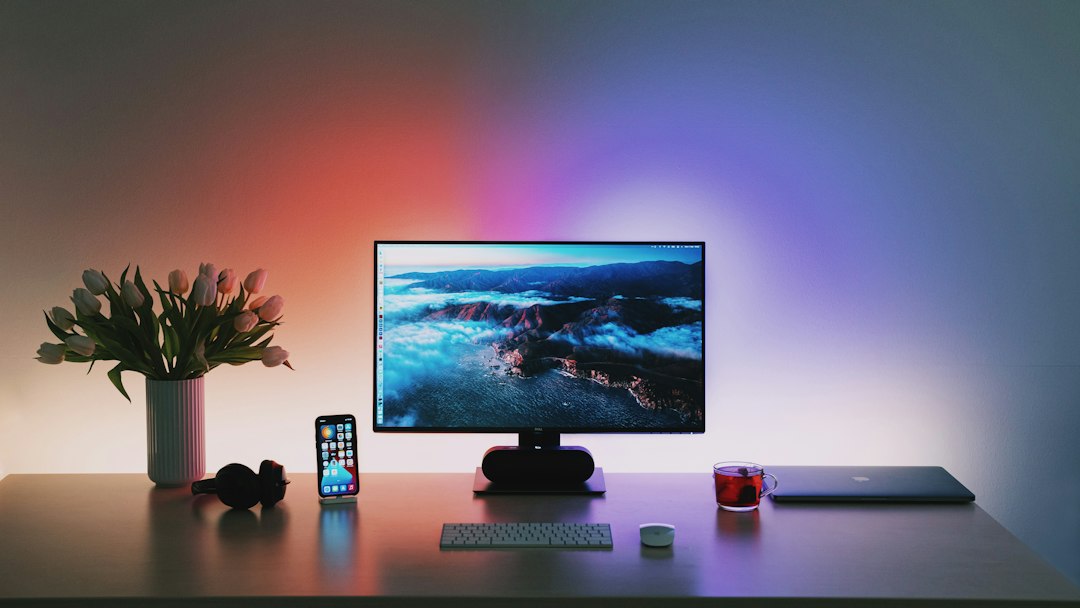
Your desk lighting automatically powers on to a crisp 4500K daylight spectrum at 80% brightness. This immediate shift in ambient light sends a direct signal to your optic nerve that it is time to wake up and focus. Meanwhile, a smart display on your desk can open to a quiet dashboard showing your daily calendar events, local weather, and high-priority reminders, giving you a full mental picture of the day ahead before you even open your laptop lid.
Automating Deep Focus and Video Meeting Modes
Context switching is one of the biggest productivity killers in remote work. Toggling between intense writing or coding blocks and sudden video calls requires immediate changes to your environment, audio levels, and status indicators. Automating these transitions protects your concentration during deep work and prevents embarrassing interruptions during client calls.
"On Air" Status Signals and Household Privacy
If you live with family members, roommates, or partners, unannounced interruptions during video calls are a constant risk. You can solve this by mounting a smart bulb or light strip outside your office door and linking it to your computer's video conferencing apps or microphone status.
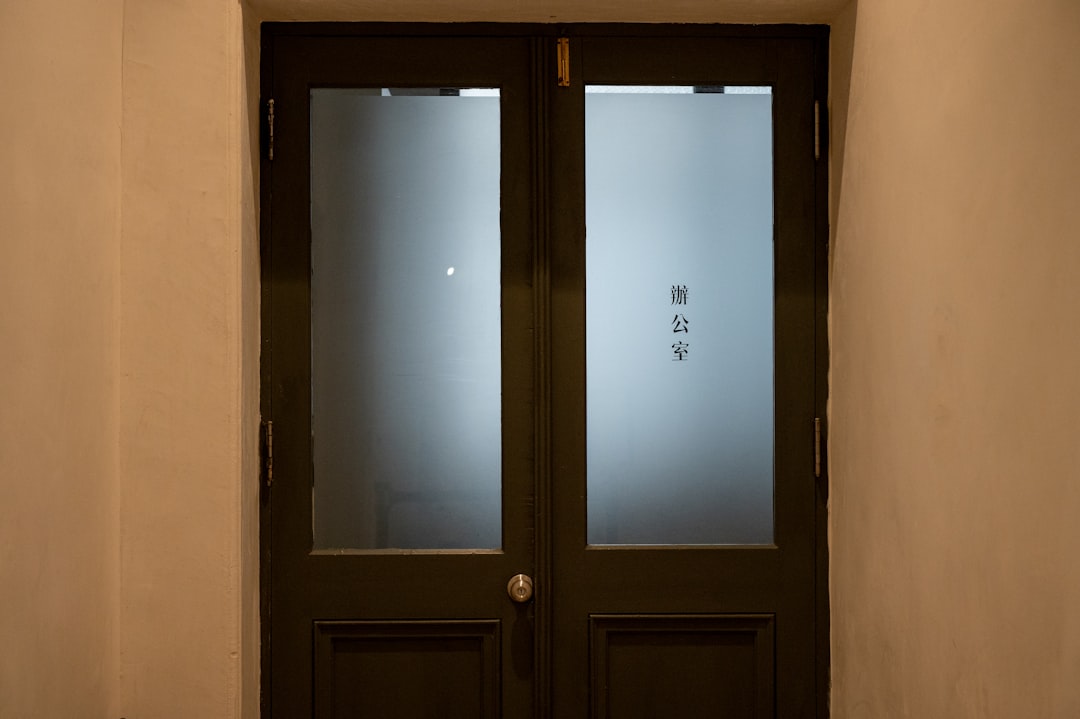
When your webcam or microphone turns on (or when a calendar event labeled "Meeting" begins), a home automation hub can immediately set the hallway light to bright red. At the same time, your desk key lights power on to ensure crisp video exposure on camera, and your office background accent lights drop to a subtle tone to reduce visual clutter for viewers. When the call ends, the exterior status light returns to green or turns off completely, letting everyone in the household know it is safe to enter.
Deep Focus Environmental Tweaks
When you need to tackle complex projects requiring deep concentration, manual or button-triggered focus scenes can drastically reduce distractions. Pressing a dedicated smart button on your desk can automatically:
- Switch your smartphone and desktop computer into Do Not Disturb (DND) mode to suppress non-urgent notifications.
- Mute ambient background speakers or switch your smart audio system to playing continuous white noise or instrumental concentration playlists.
- Dim peripheral workspace lighting and concentrate warm light exclusively on your main desk pad, minimizing visual distractions in your peripheral vision.
Integrating Ergonomic Movement and Break Triggers
Maintaining physical health while working long hours at a desk requires frequent movement and subtle changes in posture. Note that these tips are intended for practical setup comfort and workflow support, not as formal medical advice; individuals with persistent back pain or circulatory issues should consult a healthcare professional. Using smart sensors and timed automations makes sticking to ergonomic habits effortless.
Standing Desk Transitions and Visual Timers
Sitting in a stationary position for hours on end often leads to physical fatigue and lower back discomfort. If you use an electric sit-stand desk, like the setups discussed in our Uplift desk ergonomics review, you can automate position reminders to break up sedentary stretches.
By pairing a millimeter-wave (mmWave) presence sensor—which accurately detects human presence even when you are sitting completely still—with a smart timer, your system can track how long you have been seated continuously. Every 50 to 60 minutes, your smart desk light can blink twice softly, signaling that it is time to shift positions. Advanced users with smart motorized desks can even program the desk to automatically raise to standing height after a quick audio chime, encouraging you to stand for 15 to 20 minutes without disrupting your work momentum.
Enforcing the 20-20-20 Eye Break Rule
Digital eye strain is a frequent issue for remote workers staring at high-resolution monitors all day. To combat this, schedule a gentle lighting automation every 90 minutes that briefly reduces screen backlighting brightness by 10% and flashes an ambient light bar. This soft visual cue reminds you to practice the 20-20-20 rule: looking at an object 20 feet away for at least 20 seconds. It also serves as a natural prompt to take a quick sip of water and stretch your shoulders before resuming work.
Building the Ultimate End-of-Day Shutdown Scene
The single hardest challenge for remote workers is shutting down mentally at the end of the day. When your desk sits in your living room or spare bedroom, it is incredibly easy to keep answering messages until dinner. A firm, automated shutdown scene creates a decisive physical barrier that marks the end of your professional day.
Executing the Power Down
At your chosen end time—say, 5:00 PM—or upon uttering a specific voice phrase like "Alexa, end workday," your shutdown scene kicks into action:
- Equipment Disconnect: Smart power strips cut power to primary monitors, secondary displays, docking stations, and active desk lamps. Turning off the screens physically prevents you from quickly glancing back at incoming email notifications.
- Lighting Shift: Ambient office lights immediately shift from cool daylight to a soft, warm 2700K tone at 20% brightness, or shut off completely. This radical alteration in environment tells your brain that the office space is officially closed.
- Climate and Audio Reversion: The room thermostat reverts to its energy-saving evening or weekend preset, and smart speakers resume playing your personal home audio stream rather than work notifications.
Cutting physical power to main monitors at 5:00 PM creates an immediate mental wall, stopping the temptation to answer 'just one more email' before dinner.
Hardware Ecosystems, Budgeting, and Setup Checklist
Building a reliable smart office setup does not require spending thousands of dollars right away. You can start small with budget-friendly devices and gradually expand your system as your routine matures. Here is how setup costs typically break down depending on your goals, hardware, and workspace size.
Budget Tiers and Expected Investment
- Starter / Budget Setup ($50 – $250): Focuses on foundational control. Includes a 4-pack of basic smart plugs ($15–$30), entry-level color-changing smart bulbs ($20–$50), a pack of adhesive NFC tags ($10), and a budget smart speaker or hub ($30–$50). Perfect for basic morning start and evening shutdown routines.
- Mid-Range Setup ($250 – $800): Adds refined ambient lighting and climate integration. Includes smart desk monitor lightbars ($80–$180), a dedicated smart display hub ($80–$150), a smart thermostat ($120–$250), and customizable multi-button wireless scene controllers ($30–$80).
- Advanced / High-End Setup ($800 – $2,500+): Full workspace control and automation local hosting. Includes motorized smart standing desk interfaces ($400–$1,200), high-precision mmWave presence sensors ($40–$80 each), smart motorized window blinds ($200–$600 per window), and local automation hardware like Home Assistant hubs for maximum data privacy and instant local responsiveness.
Ecosystem Consistency and Network Stability
To keep your office running smoothly without technical headaches, stick to a single main platform. Entry-level users will find Amazon Alexa or Google Home straightforward for simple voice commands and basic schedules. However, if privacy and complex multi-condition automations are your priority, local hubs like Home Assistant or Apple HomeKit (utilizing Matter and Thread protocols) provide faster performance and keep operating even if your internet connection temporarily drops.
Network stability is equally critical. Smart plugs, light bulbs, and sensors communicate continuously over wireless frequencies. To prevent smart gear from crowding your main Wi-Fi band during high-priority video calls, isolate your smart home devices on a dedicated 2.4 GHz IoT (Internet of Things) subnet or mesh network node. This keeps your primary laptop and monitor dock bandwidth clear for lag-free video streaming.
Step-by-Step Smart Office Setup Sequence
Follow this logical setup sequence to build out your automated office step by step without overwhelming your network or your daily routine:
- Isolate smart office devices on a dedicated 2.4 GHz Wi-Fi subnet or mesh network to preserve video call bandwidth.
- Standardize hardware choices around a single ecosystem (Matter, Apple Home, Alexa, Google Home, or Home Assistant).
- Install smart power plugs on monitors, docking stations, and task lights to eliminate standby phantom power draw.
- Configure basic morning start (8:30 AM) and evening shutdown (5:00 PM) scenes before building complex triggers.
- Place a physical multi-button wireless switch within arm's reach on your desk for instant scene overrides during calls.
- Set up automated circadian lighting schedules that transition color temperatures from 4500K at start-time down to 2700K post-shift.
- Mount an exterior visual status light outside your office door linked to your calendar or microphone status.
Keep reading
Related Articles
How to Choose Home Office Lighting for Video Calls and Reduced Eye Strain
Learn how to balance key lighting, color temperature, and ambient light to look clear on camera while reducing visual fatigue during long remote workdays.
How to Reduce Echo in Home Office Setups: A Practical Guide
Tired of sounding like you are calling from a cavern on Zoom? Learn practical, budget-friendly ways to eliminate room reverb and improve speech clarity.
Small Closet Desk Build: How to Convert a Closet into a Functional Cloffice Setup
Transform an unused reach-in closet into an ergonomic, space-saving cloffice. Learn how to plan dimensions, mount floating desktops, route power, and optimize lighting.