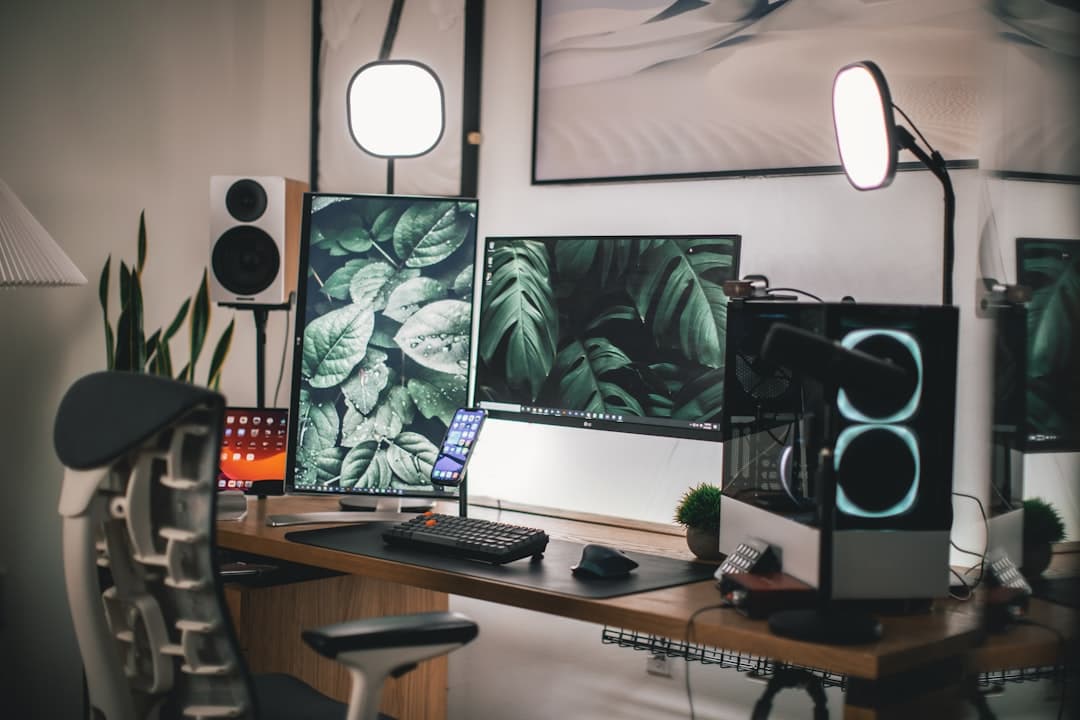
How to Maximize Space with an L Shaped Desk in a Small Home Office
Jump to section
Fitting a productive workspace into a compact bedroom, living room nook, or spare closet requires careful planning. If you struggle with clutter or feel cramped at a standard rectangular writing desk, an l shaped desk might be one of the most effective layout upgrades you can make. By converting an underutilized corner into functional surface area, you double your working space without taking over the entire room.
In this guide, we will walk through practical strategies for choosing, placing, and organizing an l shaped desk in a small home office. You will learn how to measure your space accurately, divide your surface into focused work zones, maintain clear legroom, and manage cables efficiently.
Why an L Shaped Desk Works in Small Spaces
Standard rectangular desks extend outward along a single wall. In smaller rooms, a wide rectangular desk can easily block doorways, crowd walkways, or force you to sit too close to other furniture. An l shaped desk works around this limitation by wrapping along two perpendicular walls.
This corner-focused design offers three distinct advantages for remote workers:
- Reclaimed Corner Space: Room corners are frequently wasted space. An l shaped desk anchors into the corner, leaving the center of the room open for foot traffic or a comfortable office chair rotation.
- Dedicated Work Sub-Zones: The two returns of the desk naturally divide your workflow. You can place your computer monitors on the primary side while keeping the secondary side completely open for paperwork, notebook journaling, or gear testing.
- Increased Surface-to-Footprint Ratio: You gain more usable square inches of desktop space per square foot of floor space occupied compared to traditional deep rectangular tables.
Measuring and Planning Your Layout
Before purchasing an l shaped desk, precise measurements are critical. Small rooms leave very little margin for error. A desk that looks compact in a furniture showroom can quickly overwhelm a 10-by-10-foot room.
1. Account for Wall Clearance and Door Swings
Measure both walls where the desk will sit, starting from the interior corner. Pay close attention to baseboards, heating vents, window sills, and door swings. Ensure the desktop edge ends at least 6 to 8 inches away from any door frame so entryways do not feel restricted.
2. Check Chair Depth and Turning Radius
A common oversight when fitting an l shaped desk into a corner is forgetting the chair clearance. An average ergonomic office chair needs at least 30 to 36 inches of clearance from the inner corner of the desk to push back and swivel comfortably. Mark out the floor with painter's tape to visualize sitting at both sides of the l-shape before buying.
3. Choose Between Fixed and Reversible Returns
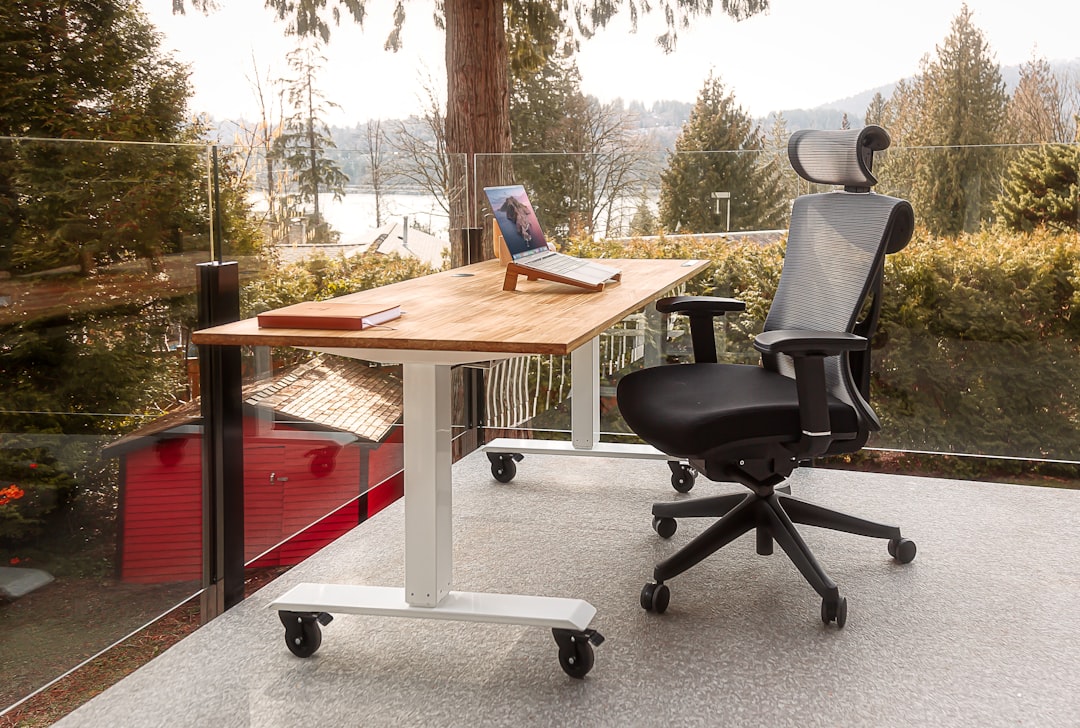
L shaped desks come in left-handed, right-handed, or reversible configurations. Reversible models give you flexibility if you move or decide to reorient your room layout later. If you buy a fixed model, confirm which side is longer and make sure it aligns with your room's main wall.
Desk Configurations for Small Rooms
Not all l shaped setups function the same way. Selecting the right frame style helps maintain an airy, uncluttered feel in compact spaces.
| Desk Style | Best Used For | Pros | Trade-offs |
|---|---|---|---|
| Open-Frame Steel Leg | Tight bedrooms & small nooks | Visually lightweight; open legroom; low cost | Fewer built-in drawers; visible wiring requires extra cable management |
| Corner Desk with Shelving | Students & paper-heavy workflows | Built-in vertical storage; good value | Bulkier visual weight; fixed shelf heights can limit legroom |
| Modular / Reversible L-Desk | Flexible spaces & hybrid workers | Adaptable layout; easy to move between rooms | Assembly can take longer; joints may show small gaps over time |
| Electric Standing L-Desk | Full-time WFH & active movement | Seamless height adjustment; generous working area | Higher price range; heavy frame requires careful assembly and cable routing |
Zone Planning: Separating Tasks for Better Focus
The primary benefit of an l shaped desk is its physical division of space. Instead of crowding your keyboard, mouse, notepad, and coffee cup onto one central mat, establish clear zones for distinct tasks.
Zone A: The Primary Tech Station
Position your primary screen setup on the longer side of the desk or directly across the inner corner curve. This side holds your main monitor, external keyboard, mouse, and dock. If you use dual monitors, mounting them on a desktop monitor arm keeps the desk surface clear and open.
Zone B: The Analog & Auxiliary Station
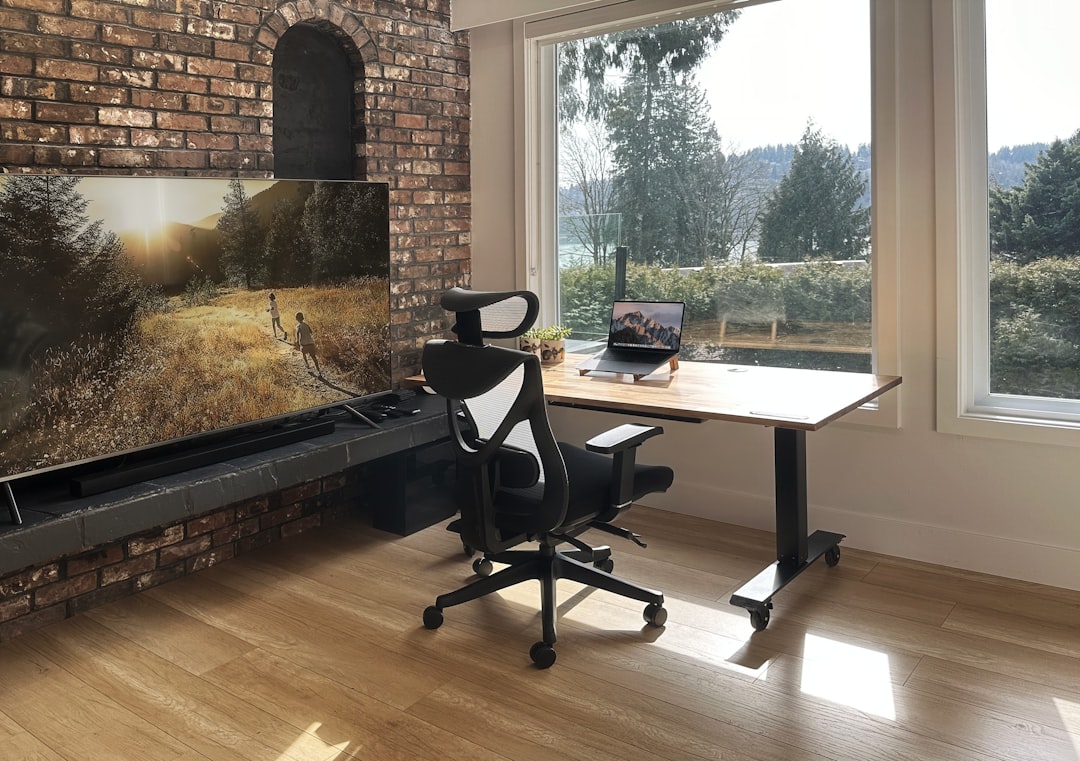
Reserve the shorter return of the desk for non-computer tasks. Use this space for writing in a journal, reviewing printed documents, placing a tablet, or setting up audio equipment for calls. Keeping this secondary surface free of permanent computer hardware allows you to shift gears mentally without leaving your seat.
When organizing your accessories, sourcing quality desk gear helps keep the setup streamlined. For practical recommendations on picking durable organizers, read our guide on smart sourcing for retail office supplies.
Vertical Storage and Under-Desk Management
In a small home office, vertical real estate is just as valuable as desktop space. To keep your l shaped desk from accumulating clutter, shift storage off the main surface.
- Mount Power Strips Underneath: Stick heavy-duty power strips under the back rim of the desk frame using industrial hook-and-loop tape or mounting screws. This keeps power bricks off the floor and out of sight.
- Use Desktop Risers or Floating Shelves: Install floating shelves on the wall directly above the desk return for books, reference materials, and small decor items.
- Add a Mobile Filing Cabinet: If your l-desk has open legs, roll a low-profile pedestal cabinet under one side. Pick a model on casters so you can shift it out of the way when you need extra legroom.
- Implement Cable Trays: Run wire mesh baskets under both sides of the l-shape to catch slack cables from your monitor, laptop charger, and desk lighting.
Ergonomic Considerations for L Shaped Setups
Setting up an l shaped desk requires careful attention to monitor placement and seating posture to ensure long-term daily comfort.
Disclaimer: The following setup tips are intended for general comfort and workspace organization. This information does not constitute medical advice. If you experience persistent neck, back, or wrist discomfort, consider consulting a healthcare professional or qualified ergonomic specialist.
Positioning Your Monitor
If you set your monitor in the inner corner bend of an l shaped desk, ensure the desk top has enough depth so the screen sits roughly an arm's length away. Placing a monitor directly in a sharp 90-degree corner can force you to sit too close to the screen, leading to eye strain or uncomfortable head tilting. Alternatively, center your primary display on one straight wing of the desk and use the other wing strictly as side workspace.
Swiveling vs. Twisting
When switching between your main computer monitor and your secondary desk zone, pivot your entire office chair rather than twisting your spine or neck. Choose a swivel chair with smooth casters that move easily over your flooring or a low-pile desk mat.
Frequently Asked Questions
Where is the best place to put an l shaped desk in a small room?
The most space-efficient location is tucked into a corner furthest from the main entry door. This keeps central floor space open and prevents the desk edges from obstructing room access. If possible, align the desk so side natural light hits your setup without causing direct glare on your monitor screens.
Can you put an l shaped desk in the middle of a room?
Yes, floating an l shaped desk into the middle of a room can act as a natural room divider in open-concept spaces or larger studio apartments. However, in small home offices under 100 square feet, floating an l-desk usually consumes too much central floor space and makes cable concealment much harder.
Is a curved corner or 90-degree corner better for an l shaped desk?
Curved or diagonal inner corners provide better support for monitor arms and allow you to sit directly facing the center of the desk. A sharp 90-degree corner works best if you plan to keep your main computer on one straight wing and treat the adjacent wing purely as side storage or a secondary workspace.
For related setup advice, see our ergonomic dual monitor desk setup guide and budget standing desk setup plan.
Keep reading
Related Articles
Shared Two Person Home Office Layout Ideas: Desk Placement and Acoustics
Designing a functional two person home office layout requires balancing physical desk spacing, video call backgrounds, electrical loads, and acoustic isolation.
Wi-Fi 7 WFH router: Upgrading Your WFH Internet: Wi-Fi 7 Mesh Routers for High-Bandwidth Hybrid Roles
Learn how Wi-Fi 7 mesh routers eliminate video lag and slow file uploads for hybrid workers with high-bandwidth home office demands.
How to Soundproof Home Office Door for Privacy: Step-by-Step Guide
Block household distractions and secure confidential calls by learning how to seal air gaps, add mass, and soundproof your home office door effectively.