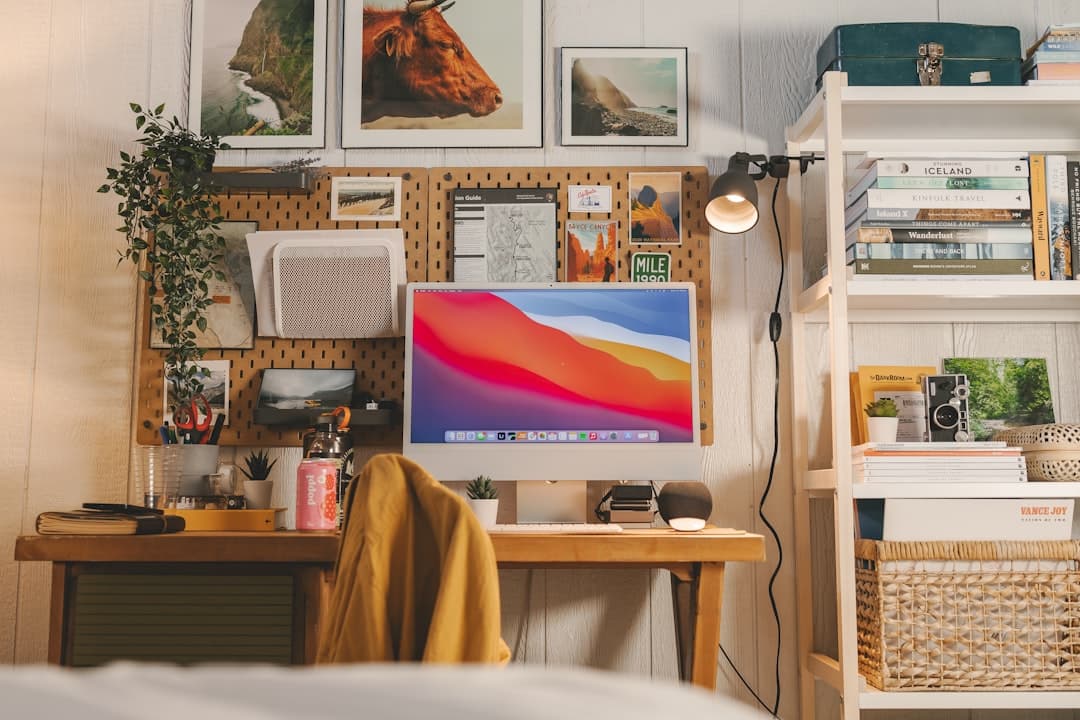
Small Space Home Office Ideas Using a Corner Desk
Jump to section
Finding dedicated room for a workstation is one of the biggest challenges of working from home. When you do not have a spare room to transform into an executive suite, every square foot counts. Dedicated corners in bedrooms, living rooms, or dining nooks often go unused, accumulating dust or random household clutter. Setting up a functional corner desk allows you to convert those awkward architectural angles into a productive, comfortable workspace without swallowing your living area whole.
In this guide, we will walk through practical ways to plan, arrange, and equip a small space home office centered around a corner desk. Whether you are fitting a setup into a tiny studio apartment or trying to carve out a professional workstation inside a busy family room, these straight-forward layout tactics and storage ideas will help you make the most of your space.
Why a Corner Desk Works So Well for Small Workspaces
Standard rectangular desks project straight out into a room. In tight floor plans, a standard desk can quickly block foot traffic pathways, bump up against doorway frames, or force you to place your chair directly in a main walkway. A corner desk shifts the primary work surface into room edges that are usually underutilized.
By tucking your workstation into an intersection of two walls, you gain three primary spatial benefits:
- Expanded Surface Depth: Corner desks frequently provide more diagonal depth than traditional flat-wall desks of similar width. This extra depth gives you space to place larger displays or laptop stands without pushing your keyboard directly up against the display monitor.
- Visual Zoning: Placing your workstation in a corner creates a psychological separation between work time and personal time. When you face into the nook during the workday, your peripheral vision focuses on your tools. When your workday ends, turning your chair away helps signal a mental shift.
- Minimized Footprint: Corner units make use of dead wall space while keeping the center of the room open, making small apartments or bedrooms feel larger and less cluttered.
Key Types of Corner Desks for Compact Rooms
Not all corner desks share the same structural footprint. Understanding how different styles function will prevent buying a desk that overpowers your room.
| Desk Style | Best Used For | Pros | Trade-offs |
|---|---|---|---|
| Compact Triangular Desk | Tight studio corners, basic laptop setups | Minimal floor space, fits into narrow corners | Limited surface area for secondary monitors |
| L-Shaped Corner Desk | Dual-monitor setups, paper processing | Ample surface area, distinct task zones | Requires substantial wall length on both sides |
| Wall-Mounted Floating Desk | Ultra-small bedrooms, flexible living spaces | Leaves floor completely clear beneath | Requires solid wall studs; fixed height |
| Corner Standing Converter / Desk | Alternating sitting and standing positions | Promotes posture variation in small spots | Can feel bulky; motorized models need outlet access |
Triangular vs. L-Shaped Footprints
If your available wall length is under 36 inches on either side, a classic triangular corner desk is usually your best option. These models feature a single angled surface designed to wedge neatly between walls. They are ideal for basic laptop tasks, writing, or lightweight work.
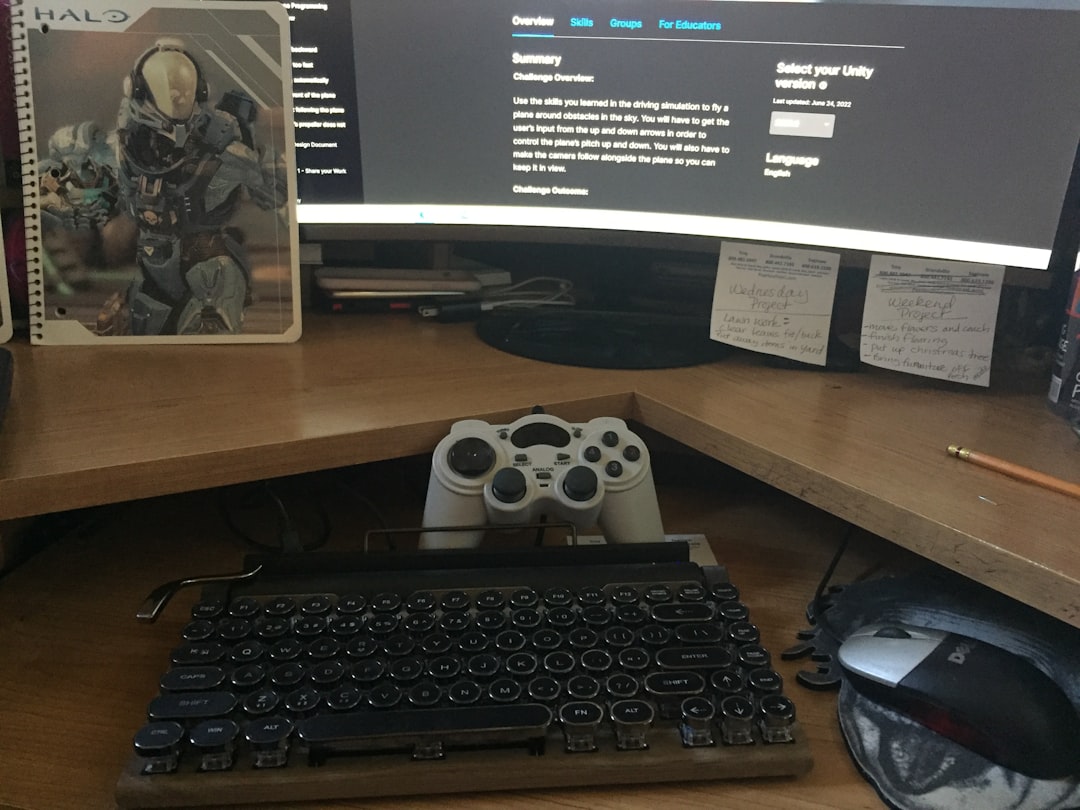
If you have at least 48 inches of clear wall space along one side, an L-shaped corner desk offers significantly more flexibility. You can dedicate one side of the L to your computer display and keyboard, leaving the return side free for physical notebooks, reference materials, or charging accessories. If you are converting existing furniture or repurposing a setup, take a look at our guide on how to adapt a gaming desk into a professional setup for layout tips on managing heavy monitors on angled frames.
Step-by-Step Layout Strategy for Small Space Corner Offices
Setting up a corner workspace requires taking measurements long before unboxing furniture. Follow this step-by-step process to avoid common layout mistakes.
Step 1: Measure Wall Depth and Chair Swivel Clearance
Measuring the wall width is obvious, but measuring your chair swivel radius is just as critical. An ergonomic office chair usually requires a rolling clearance circle of at least 30 to 36 inches from the desk's front curve. Ensure your chair wheels will not catch on area rug edges, doorway thresholds, or nearby bedroom furniture when you push back to stand up.
Step 2: Position Relative to Windows and Doors
Placing a corner desk directly perpendicular to a bright window can create severe screen glare or make your face look dark on video calls. Aim to orient your desk so natural light strikes your display from a side angle rather than directly behind or in front of your screen. If you must face a window, install light-diffusing blinds to manage daytime brightness.
Step 3: Reclaim Desk Surface with Monitor Arms
Corner desks often taper near the back, reducing usable flat surface space. Attaching a clamp-style monitor arm to the back edge or rear grommet hole lifts your screen off the desktop entirely. This elevates your display to eye level while clearing up space for your keyboard, mouse, and wrist rest. Make sure the rear corner frame of your desk supports C-clamps, as some budget desks feature decorative privacy panels or hollow metal frames that impede mounting brackets.
Ergonomic Positioning in Tight Corners
Working in a tight corner can sometimes tempt you to twist your torso or sit at odd angles to view screens or reach accessories. Good ergonomics are vital to long-term daily comfort.
Disclaimer: The following ergonomic recommendations are general workspace setup tips intended to improve comfort. They do not constitute medical advice. If you experience persistent physical discomfort or chronic pain, consult a qualified healthcare professional.
- Center Your Primary Display: Avoid placing your main monitor on one side arm of an L-shaped desk while keeping your body facing the center junction. Swiveling your head continuously to one side causes unnecessary neck strain. Align your chair, keyboard, and main display along the exact same central axis.
- Maintain Forearm Support: Adjust your chair height so your elbows rest at roughly a 90-degree angle with your forearms parallel to the desktop floor. If the desk frame sits too high and is non-adjustable, add an under-desk keyboard tray or use a footrest to support your lower body safely.
- Keep Feet Flat: When sitting in a tight nook, make sure your legs aren't wedged against under-desk storage units or wall outlets. Your feet should rest flat on the floor or on an angled footrest to maintain neutral lower-back alignment.
Vertical Storage and Cable Management Tactics
In a small footprint workspace, horizontal real estate is rare. To keep your corner desk clean and clutter-free, utilize the empty vertical wall space directly above your monitor.
Utilizing Wall-Mounted Shelves and Pegboards
Mounting floating shelves above your monitor display allows you to store books, reference materials, or small office supplies off your desktop. A metal or wooden pegboard placed on one of the intersecting walls provides accessible storage for headphones, charging cables, extra stationery, and personal items.
When organizing budget workspace tools, you don't need expensive custom cabinetry. For practical tips on finding cost-effective office accessories, check out our guide to smart sourcing retail office supplies for remote setups.
Taming Corner Cable Tangles
Corners tend to gather electrical cords into visible, unsightly nests. Because corner desks sit near wall intersections where outlets might be awkwardly placed, cable routing takes planning:
- Mount a Power Strip Under the Desk: Fasten a heavy-duty surge protector to the underside of the desk frame or rear beam using strong hook-and-loop fasteners or mounting screws.
- Consolidate Display and Power Cords: Run your monitor power lines, laptop charger, and desk lamp cords through fabric cable sleeves or split tubing to bundle them into a single neat line.
- Use Adhesive Cable Clamps: Route the consolidated cable bundle down one of the rear desk legs directly toward the wall outlet so wires remain hidden from central room view.
Lighting and Visual Expansion Techniques
Corners are naturally prone to dark shadows, especially in rooms with a single central ceiling light. Insufficient light causes eye fatigue and makes a small workstation feel cramped.
Combating Shadows with Focused Task Lights
Instead of taking up valuable surface space with a bulky table lamp, consider attaching a monitor light bar to the top of your screen display. Light bars cast light evenly across your keyboard and desk mat without creating screen reflections. Alternatively, clamp a flexible swing-arm task lamp to the side edge of your desk to direct light exactly where you need it.
Making a Small Corner Feel Larger
To keep your corner workspace from feeling claustrophobic, apply simple visual tricks:
- Choose Light Finish Materials: Desks with light oak, natural birch, or white finishes reflect ambient light, making the corner feel airier than heavy dark wood stain finishes.
- Opt for Open Frame Legs: Desks with slim metal legs or open ladder frames allow light to pass through underneath, preserving visual flow throughout the room.
- Keep Wall Decor Minimal: Avoid cluttering both intersecting walls with dense artwork. Leave one wall clean or frame a single calming art print to keep the workspace feeling open and unfussy.
Practical Checklist Before Buying a Corner Desk
Before purchasing furniture for your small space office, run through this quick evaluation checklist:
- Have you measured the wall lengths on both sides of the corner?
- Does the desk depth allow for a comfortable viewing distance from your screen (at least arm's length)?
- Are wall outlets and internet connections reachable without creating tripping hazards across walkways?
- Is there sufficient knee and leg clearance beneath the desk frame, free from horizontal crossbars or drawers?
- Does your selected office chair fit fully under the desk surface when pushed in at the end of the day?
Frequently Asked Questions
Is an L-shaped desk better than a straight desk for a small bedroom?
An L-shaped desk can be better if you place it in a corner that would otherwise stay empty. It provides more surface area without taking up central floor space. However, if your bedroom walls are already occupied by wardrobes or nightstands, a narrow straight desk might fit more easily along a single open wall.
How do I manage dual monitors on a corner desk?
The easiest way to set up dual screens on a corner desk is to use a dual-monitor arm mounted to the central junction or clamp point. Position your primary screen straight ahead in your direct line of sight, and angle the secondary monitor slightly inward beside it. This minimizes neck rotation while keeping both displays accessible.
Can a corner desk work for standing setups?
Yes. Many manufacturers offer motorized L-shaped and corner standing desks. If you prefer not to replace your existing desk, you can also place a compact tabletop standing desk converter in the central corner junction. Make sure to check the converter's weight limits and desk depth compatibility before buying.
Keep reading
Related Articles
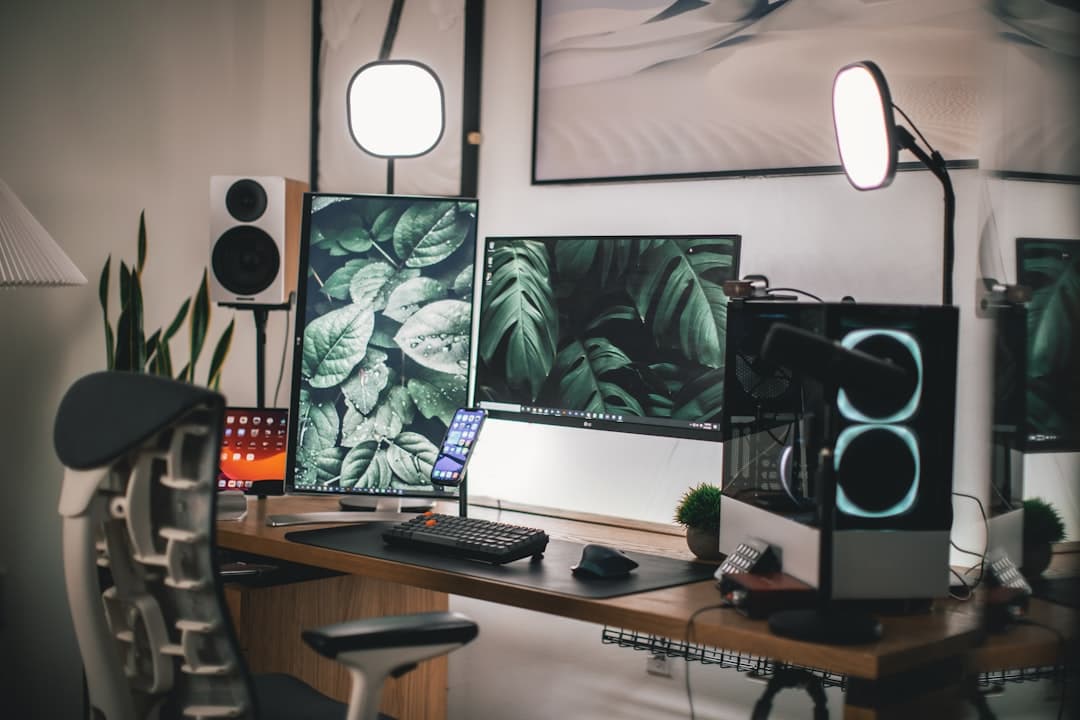
Shared Two Person Home Office Layout Ideas: Desk Placement and Acoustics
Designing a functional two person home office layout requires balancing physical desk spacing, video call backgrounds, electrical loads, and acoustic isolation.
Wi-Fi 7 WFH router: Upgrading Your WFH Internet: Wi-Fi 7 Mesh Routers for High-Bandwidth Hybrid Roles
Learn how Wi-Fi 7 mesh routers eliminate video lag and slow file uploads for hybrid workers with high-bandwidth home office demands.
How to Soundproof Home Office Door for Privacy: Step-by-Step Guide
Block household distractions and secure confidential calls by learning how to seal air gaps, add mass, and soundproof your home office door effectively.